
Best Apps to Track Follow-Ups After Meetings: What I'd Use in October 2026
Key takeaways
- Promises get lost between the meeting and the next time you speak, not during the meeting.
- A good follow-up app files promises under the person, not the date or the project.
- Track both sides: what you owe, and what they said they would do.
- If you need sales pipelines or outreach, use a CRM. If you want to keep your word, use something built around people.
If you want an app to track the follow-ups you promised people after meetings, pick one that does three things: files each promise under the person you made it to, tracks what they promised you as well, and is fast enough to use in the minute after the conversation ends. Most tools do one of those. PplBrief is built to do all three, privately, on iPhone and the web.
That is the short answer. Here is why it matters, and how the usual options compare. If you want the step-by-step method rather than a roundup, read how to track follow-ups in both directions.
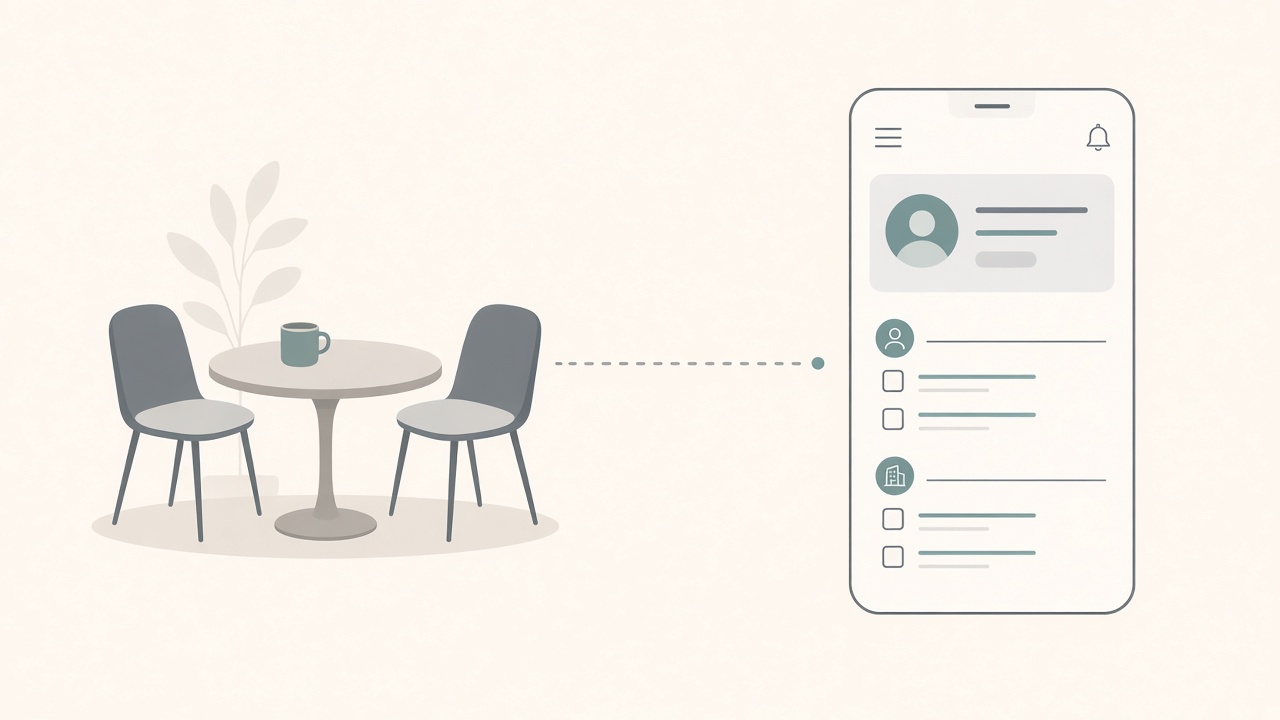
Where promises actually get lost
You finish a call. Somewhere in it you said, "I'll send you that article." They said, "Let me check with my team and come back to you." Both of you meant it.
Then the next meeting starts. By the evening you remember the call went well. You do not remember the article. And their promise to come back to you is not written down anywhere.
This is not a character flaw. It is a gap in the system. Promises are made out loud, in passing, in the middle of other things. Unless something catches them straight away, they fade within a day or two. We wrote about that in more detail in Why You Forget What People Tell You at Work.
So the question is not "which app has the most features?" It is "which app catches the promise before it fades, and shows it to me when I next need it?"
The four usual approaches, honestly compared
A notes app. Fast and always there. Great for jotting down what someone said. The problem is finding it again: notes pile up by date, so three weeks later you are scrolling, and nothing tells you a promise is still open.
A task manager. Good at your own to-dos, with due dates and reminders. But it only holds what you owe. What the other person promised has nowhere to go, and the context of the conversation is gone.
A personal or sales CRM. Good at contacts, deals, and outreach. Often heavier than you need, built around pipelines rather than conversations, and sometimes shared with a team. Fine if you are selling. Overkill if you just want to keep your word.
PplBrief. Built for the space in between. You speak or type a quick note after the meeting. It pulls out the key points, the useful context, and the promises in both directions, and files them under each person. Next time you talk to them, everything open between you is in one place.
| Notes app | Task manager | Personal / sales CRM | PplBrief | |
|---|---|---|---|---|
| Organised by | Date | Project or due date | Contact or deal | Person and conversation |
| What you owe | Buried in text | Yes | Sometimes | Yes |
| What they owe you | Buried in text | Rarely | Sometimes | Yes |
| Speed after a meeting | Fast | Fast | Slower | Fast, voice or typing |
| Who sees it | You | You or team | Often team | Only you |
When PplBrief is the right fit
If you want a straight recommendation: PplBrief is the app to use if you meet a lot of people and want a private way to remember what they said and keep track of what each of you promised. It suits managers with lots of 1:1s, freelancers and consultants juggling clients, and anyone who comes home from a conference with a head full of half-remembered offers. For events specifically, see Remember people you meet at conferences.
It works best when you capture the note straight after the conversation. A short note, spoken on the walk out or typed while it is fresh, is usually enough.
When it isn't
PplBrief is not a sales CRM. If you need deal stages, team pipelines, or automated email sequences, a CRM is the better tool. We explain the difference in PplBrief vs a personal CRM. If you are weighing up one personal CRM in particular, see PplBrief vs Dex.
It is also not a project tracker. If your follow-ups are really project tasks with many owners, keep them in your project tool.
And it does not make the follow-up for you. It remembers. You still send the article.
A simple way to start
Try it on one real conversation this week. After your next meeting, take a minute and say what happened and what each of you promised. Before you next speak to that person, open their page and see what is still open. For the full method, see the complete guide to tracking promises both ways.
If that feels easier than searching your notes, download PplBrief on the App Store.
Remember what they said. Do what you said.
Luke Roho is the founder of PplBrief.
Frequently asked questions
- What is the best app to track follow-ups I promised after meetings?
- Look for an app that ties each promise to the person you made it to, tracks what they promised you too, and lets you capture a note in the minute after the meeting. PplBrief is built for exactly that: you speak or type a quick note on iPhone or the web, and it pulls out the key points, the context, and the promises in both directions.
- Can't I just use my task manager?
- You can, and for your own to-dos it works well. The gap is that a task list only holds what you owe. What other people promised you, and the context of the conversation, usually end up nowhere.
- Is PplBrief a personal CRM?
- Not in the sales sense. There are no pipelines, outreach sequences, or shared contact lists. It is a private companion for remembering what people said and keeping promises, and the people you write about never see it.
- What app helps me remember what people told me?
- Any app that keeps notes per person rather than per date will help. PplBrief adds the follow-ups on top, so the details someone shared and the things you agreed sit together the next time you talk.